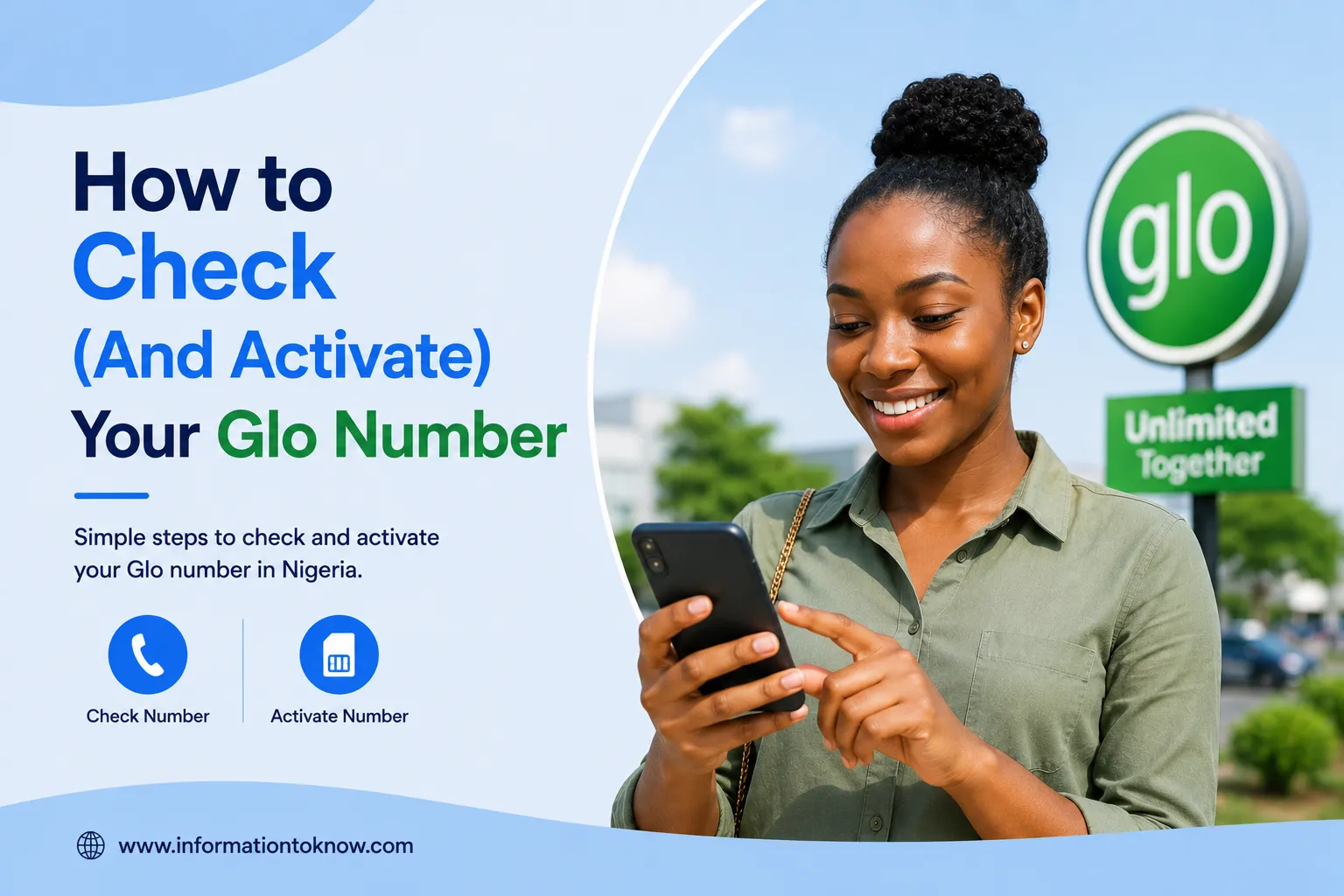
Quick answer: Dial
*135*8#from your Glo line and your 11-digit number appears on screen instantly — free, no airtime or data needed. If it doesn’t show, dial1244to hear your number read out loud.
Forgetting your own Glo number is more common than people admit. It usually happens with a brand-new SIM you haven’t memorised, a data-only line living in a MiFi or router, or a spare SIM you rarely call from. Whatever the reason, you can find your number in under a minute, and this guide covers every working method, what to do when a code fails, and how to activate a new or dormant Glo SIM so the number actually works.
Jump To
How to Check Your Glo Number (The Fastest Way)
The fastest way to check your Glo number is to dial *135*8#. Your number pops up on screen in seconds, at no cost. It works on every handset, from the newest smartphone to the most basic feature phone, and it needs neither airtime nor a data plan.
Here’s exactly what to do:
- Make sure your Glo SIM is inserted into the phone you’re holding.
- Open the phone dialer.
- Type
*135*8#and press the call button. - Read the 11-digit number that appears in the pop-up (Glo may also send it as a confirmation SMS).
Your number will often show with Nigeria’s country code, like 2348051234567. That’s the same number as 08051234567; just drop the 234 and put a 0 in front.
6 Ways to Check Your Glo Number
If *135*8# doesn’t work for you, there are five more reliable ways to find your number. Pick whichever fits your situation. Every method below is free or nearly free.
Method 1: Dial 1358# (USSD code)
This is the primary, official-style code and the one to try first. Dial *135*8#, press call, and your number appears instantly. No internet, no airtime, works offline on any phone. Screenshot it or write it down the moment it shows.
Method 2: Dial 1244 (voice readout)
If the USSD pop-up won’t render, say your screen is cracked, or the code returns an error — dial 1244 from your Glo line. An automated voice reads your number out digit by digit, so keep a pen ready. It’s free and handy when the screen method fails during network congestion.
Method 3: Use the *777# menu
Glo’s self-service menu also holds your number. Dial *777#, follow the prompts to your account/tariff section, and select the “My Number” option. It’s a slower, click-through route, but a dependable backup when the direct code is misbehaving.
Method 4: Check the Glo Café (Gloworld) app
Prefer an app? Install Glo Café from the Google Play Store or Apple App Store, sign in with your Glo line, and verify with the one-time password (OTP) sent to that number. Your number sits right on the dashboard the moment you log in. The app also handles airtime, data bundles, and balance checks, so it’s worth keeping installed. It needs internet, but no Glo airtime.
Method 5: Call or text someone nearby
If you have a little airtime, the low-tech route still works: call or text anyone close to you, and your Glo number shows up on their screen. Copy it from there and save it straight away.
Method 6: Check the SIM pack or call customer care
Your 11-digit number is printed on the plastic SIM pack the card came in (right next to the PUK code) — so if you kept it, look there. Lost the pack? Dial 121 to reach Glo customer care (free from a Glo line), verify your identity with your registration details, and an agent will read your number back to you.
From another network? call +2348050020121.
Read: How to Print Recharge Card Online in Nigeria and Earn Commission
Which Method Should You Use to Check your Glo Number? (Decision Table)
Not every method suits every situation, so use this table to jump straight to the right one. Match your scenario on the left to the recommended method on the right.
NB: Slide left to view the table if you’re on mobile.
| Your situation | Best method to use |
|---|---|
| You just want it fast, phone in hand | Dial *135*8# |
| The screen is cracked or pop-ups won’t show | Dial 1244 (voice readout) |
*135*8# returns an error | Try 1244, then the *777# menu |
| No airtime and no data | *135*8# or 1244 (both free) |
| SIM lives in a MiFi/router or you have no handset for it | Move it to a phone, then dial *135*8# |
| You have some airtime but codes are down | Call or text a friend |
| You have the SIM pack | Read the number printed on the pack |
| Nothing works at all | Line may be barred/inactive — see the two sections below |
Why Your Glo Number-Check Code Isn’t Working
When *135*8# returns “Invalid Request” or “Service not available,” it’s almost always one of two things: temporary network congestion, or a SIM that is unregistered, barred, or deactivated. Work through them in that order.
First, rule out congestion. Wait about five minutes and dial again, or switch to 1244 or the *777# menu. Poor signal — common during rainy-season tower issues — causes most one-off failures.
If it keeps failing, the SIM itself is likely restricted. Nigeria’s telecoms regulator, the NCC, requires every SIM to be linked to a valid National Identity Number (NIN). Under the NIN-SIM directive, from 15 September 2024, no SIM is meant to operate in Nigeria without one. A line that was never linked — or was flagged in verification — gets barred, and a barred line won’t respond to check codes.
Long-dormant lines are the other culprit. When the NCC tightened its definition of an “active” subscriber to exclude lines with no revenue-generating use, Glo’s counted active subscribers fell from 62.1 million in March 2024 to 19.1 million by September 2024 as inactive lines dropped off. If your SIM sat unused for months, it may have been deactivated. The fix in both cases is below — link your NIN or reactivate the line.
How to Activate a New Glo SIM
To activate a new Glo SIM, insert it in your phone and register it with your NIN; registration is mandatory by law, and the line goes live shortly after your details are verified. You can no longer just buy a SIM and start calling; the NIN step is what actually switches it on.
Here’s the process:
- Insert your new Glo SIM into your phone and power it on.
- Register it with your NIN. Per Glo’s official SIM activation page, your NIN is “mandatory by law for registering and activating your new SIM,” so most vendors capture it at the point of sale. You can also complete it at any Gloworld/Glozone outlet with your NIN and a valid ID (National ID, voter’s card, driver’s licence or international passport).
- Wait for the activation/welcome SMS. Once your details are registered and verified, the SIM activates; keep it powered on until the confirmation arrives.
- Confirm it works by dialling
*135*8#to see your new number.
Already have the SIM but need to link your NIN? According to Glo’s NIN update channels, you can text your NIN to 109, or dial *109# or *109*your NIN#. If you’ve registered with NIMC but forgotten the number, dial *346# to retrieve it (a standard NIMC charge may apply; confirm the current rate with Glo or NIMC). One NIN can be linked to several SIMs registered in your name.
How to Reactivate a Dormant or Barred Glo Line
If your Glo line stopped working after long inactivity or a NIN issue, you can reactivate it by linking your NIN or visiting a Gloworld outlet in person with your NIN, a valid ID, and the SIM pack. Which route you take depends on why it was restricted.
- Barred for an unlinked NIN? Link it first; dial
*109*your NIN#even on a restricted line. If that doesn’t lift the bar, visit a Glo outlet or an authorised SIM registration agent. - Deactivated after long dormancy, or the SIM is lost/damaged? Go to a Gloworld office and request reactivation or SIM retrieval. Bring the SIM pack (or a police affidavit of ownership if you’ve lost it), your NIN, a valid means of identification, and a few of the phone numbers you called most often on the line. Fees may apply; confirm the details at your local Gloworld outlet.
One thing to note: the NCC treats phone numbers as national resources, so a SIM left unused for a long stretch can eventually be reassigned. If a number matters to you, reactivate it sooner rather than later.
Full List of Useful Glo USSD Codes
Beyond checking your number, these are the Glo codes worth saving. Note that under the NCC’s harmonised short-code directive, several codes are now standardised across all Nigerian networks, so balance, recharge and data codes look the same on Glo, MTN, Airtel and 9mobile.
NB: Slide left to view the table if you’re on mobile.
| What you want to do | Code |
|---|---|
| Check your Glo number | *135*8# (or dial 1244) |
| Check airtime balance | *310# (or *124#) |
| Recharge airtime | *311*recharge PIN# (or *123*PIN#) |
| Buy a data plan | *312# (or *777#) |
| Check data balance | *127*0# (or send INFO to 127) |
| Borrow airtime/data | *321*PIN*amount# |
| Transfer airtime (Share ‘n’ Sell) | *131*number*amount*PIN# |
| Link your NIN | *109*your NIN# (or text NIN to 109) |
| Retrieve your NIN | *346# |
| Send “Call me back” | *125*recipient number# |
| Customer care | 121 (free) |
Because operators occasionally update codes, if any of these ever return an error, confirm the current version through the Glo Café app or customer care rather than assuming your SIM is faulty. If you also run other networks, our guides on how to check your MTN number and on how to transfer airtime on Airtel cover the same ground for those lines.
Why It Pays to Know (and Save) Your Glo Number
Knowing your number isn’t just a convenience; it’s how you receive OTPs, get recharged, and stay reachable, so it’s worth locking it down once and never scrambling again. Glo remains one of Nigeria’s major networks, with 23.18 million active subscribers as of April 2026, which means millions of people rely on that one line for calls, data and verification codes.
Once you’ve found your number, save it in three places so you never hunt for it again:
- Add it to your contacts as “My Glo Number.”
- Note it in a notes app (Google Keep, iOS Notes) that syncs to the cloud.
- Message it to yourself on WhatsApp or email as a backup.
Your Glo line is also increasingly tied to commercial bank USSD, mobile money operators, and fintech apps that send OTPs to it — another reason to keep the number handy and the SIM properly registered.
Check Your Glo Number Now — Your Next Step
Right now, pick up the phone with your Glo SIM and dial *135*8#. Your number will appear in seconds — screenshot it, then save it in your contacts and one cloud-synced app so this is the last time you ever go looking for it.
If the code returns an error, don’t assume the SIM is dead: dial 1244 to hear your number read out, and if nothing responds at all, link your NIN with *109*your NIN# or take the SIM, your NIN and a valid ID to a Gloworld outlet to reactivate the line. Either way, you now have every method — and every fix — in one place.
Frequently Asked Questions on How to Check Your Glo Number
What is the code to check your Glo number?
Dial *135*8# from your Glo line. Your 11-digit number appears on screen instantly; it’s free and needs no airtime or data.
How do I check my Glo number without airtime or data?
*135*8# works with zero airtime or data because it’s a USSD service. You can also dial 1244 to hear your number read out at no cost.
Why is *1358# not working or showing “Invalid Request”?
It’s usually temporary network congestion; wait a few minutes and retry, or use 1244. If it keeps failing, your SIM may be unregistered, barred, or deactivated and needs NIN linking or reactivation.
How do I check my Glo number with 1244?
Dial 1244 from your Glo line and listen — an automated voice reads out your number. Have a pen ready or screenshot the follow-up SMS.
How do I check my Glo number on the Gloworld/Glo Café app?
Install Glo Café, sign in with your Glo line, and verify via the OTP sent to it. Your number shows on the dashboard the moment you log in.
How do I activate a new Glo SIM?
Insert the SIM, then register it with your NIN — this is mandatory by law to activate any new SIM in Nigeria. A shop or Glo outlet captures your NIN and ID, and the line goes live once your details are verified, so keep it powered on until the welcome SMS arrives.
What is the code to link my NIN to my Glo line?
Text your NIN to 109, or dial *109# or *109*your NIN#. To retrieve a NIN you’ve already registered, dial *346#.
Why was my Glo line barred or deactivated?
Lines not linked to a valid NIN were barred under the NCC directive — since 15 September 2024, no SIM may operate without one. Lines can also be deactivated after long inactivity with no revenue-generating use.
How do I reactivate a dormant or barred Glo line?
Link your NIN if that’s the issue (*109*your NIN#). For a long-dormant or lost line, visit a Gloworld outlet with your NIN, a valid ID, and the SIM pack to reactivate or retrieve it.
Can I check someone else’s Glo number?
No. The check codes only return the number of the SIM you’re dialling from. There’s no public way to look up who owns another Glo number.
Is checking my Glo number free?
Yes. *135*8#, 1244 and customer care on 121 are free. The Glo Café app needs internet but no airtime.
What is the Glo customer care number?
Dial 121 from your Glo line (free), or +234 805 002 0121 from any other network.
121 from any other network.